Eligible win reward
3upgrade stones
Draw / loss: 0 upgrade stones
Only a server credit receipt confirms an actual reward.
AI528 · PK beginner guide
Choose an AI, then press “Deal a random formation” to fill nine positions. Select a position, replace one card from the pool below, and see how that choice changes the stats and result.
9formation positions
204AI test cards
4nations
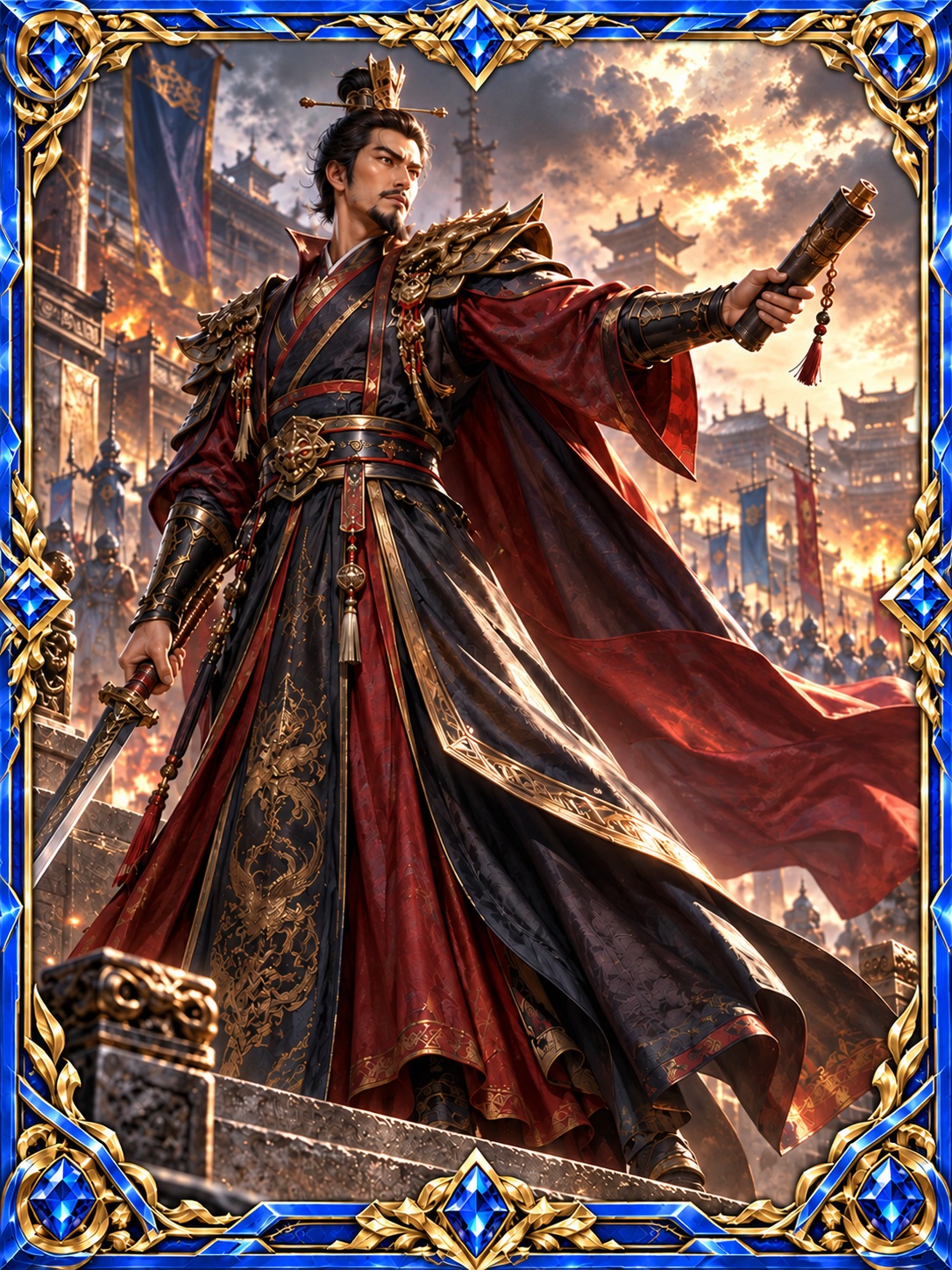
START WITH A MATCH · NINE-CARD AI
Four nations provide AI test members and a pool of 204 cards: the original 199 display cards plus 5 new support cards. 5 of the 80 proposed cards are now in the test; the remaining 75 are not yet included. A fifth nation will arrive in a separate batch. These results compare test formations; official rankings and rewards follow the six-card member mode.
Choose an AI from Wei, Shu, Wu or the Ancient Euro-American Empire. Auto arrange fills the five central army positions, shark and beauty on the left, and weapon and strategy on the right with nine different cards.
Select Shark to see compatible shark cards below. Compare stats and the same-nation bonus, then choose one. The other eight positions stay as they are.
The server chooses a different AI and its nine-card team. The result shows both teams’ total stats, effective damage and every card’s calculation.
Shark, beauty, weapon and strategy are filled first. For each support position, choose uniformly among nations that still have compatible cards, then draw uniformly from that nation’s compatible cards.
Each of the five central positions first chooses an eligible nation uniformly, then one of its remaining base card types uniformly, and finally a card of that type.
Every draw excludes cards already selected and uses only nations and types with candidates remaining. All nine cards are distinct. A nation with more cards is not more likely at the first step; individual cards do not necessarily have equal draw odds.
| Position | Attack weight | Defense weight |
|---|---|---|
| Shark | 120% | 80% |
| Beauty | 70% | 130% |
| Front | 80% | 120% |
| Center | 100% | 100% |
| Left wing | 120% | 80% |
| Right wing | 110% | 90% |
| Rear | 90% | 110% |
| Weapon | 140% | 60% |
| Strategy | 90% | 110% |
When a card shares your selected AI’s nation, its base attack and defense each gain 5%, once per card. Apply the position weights below afterwards. Round each stage to the nearest integer, with halves rounded up.
Example: a same-nation weapon starts at 140/60 → 147/63 after nation bonus → 206/38 in the weapon position.
Effective damage = max(0, your total attack − opposing total defense). Compare both damage values: higher wins; equal values draw.
Front and rear favor defense; both wings favor attack. Center preserves both values. Choose a position, then compare compatible cards. Signature story effects remain designs and do not trigger in this first test.
Play nine-card AI PK01 · GET STARTED
Browse the gallery freely. Sign in to your own member account before playing.
Open your member area, then the PK selection screen. Only cards confirmed as yours and currently usable can join a team. Public artwork and device favorites do not mean ownership.
Use each owned card once. Different owned copies may share a card name. Check the six-card attack, defense and levels before confirming.
The system looks for another player first. After about 10 seconds without a suitable opponent, it tries AI / NPC matchmaking. Wait for confirmation; there is no need to choose a human or AI mode first.
The battle presentation follows matchmaking. The system judges a win, loss or draw from the locked six-card values. Check the personal record, ranking credit and actual reward payout separately.
02 · MEET THE CARDS
The master roster plans 200 card identities. You can currently explore 199 artworks: 40 character cards and 159 functional cards. The rest are still in preparation. This gallery introduces the designs; your member collection determines which cards are playable.
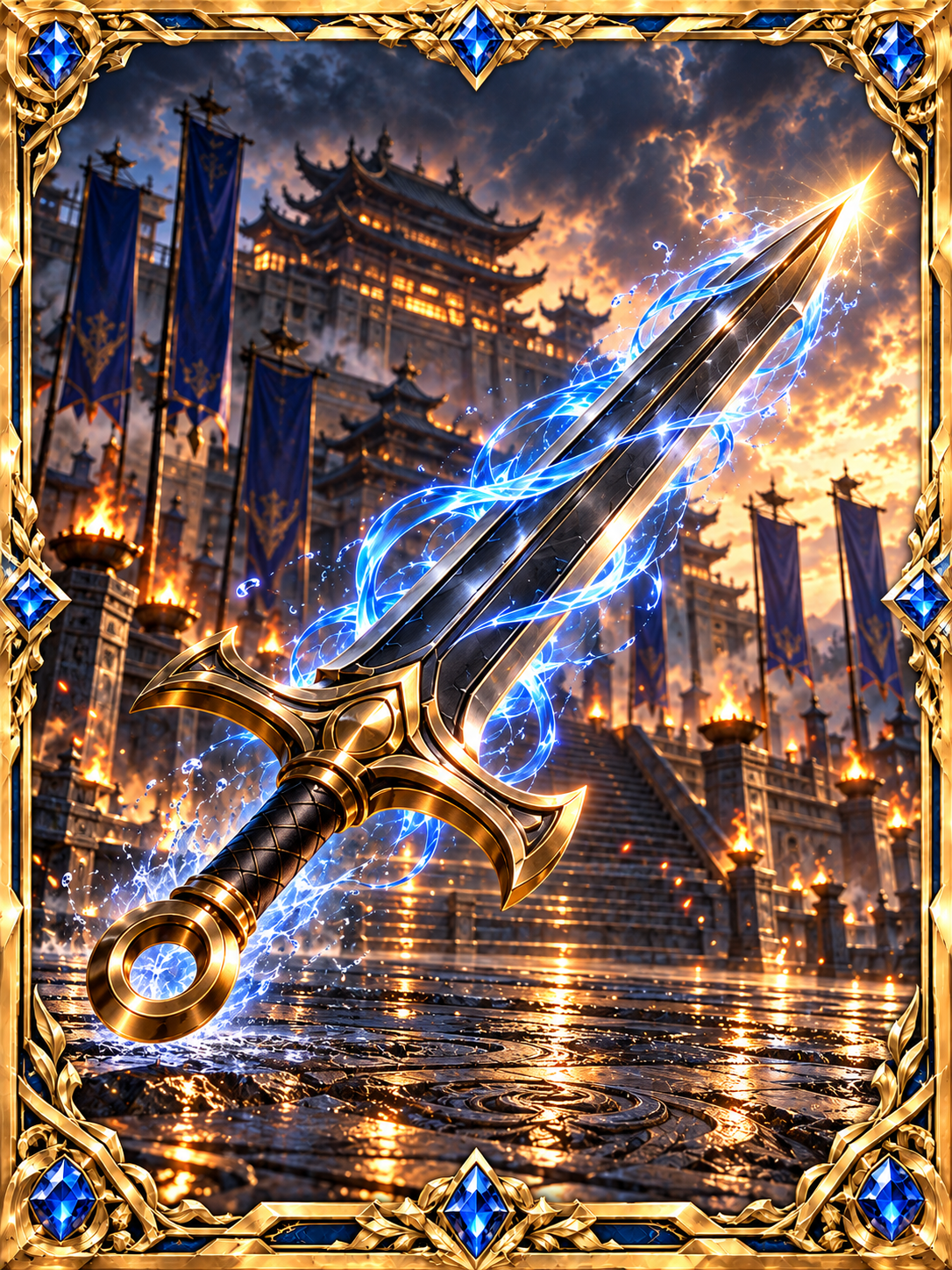
Attack · 40 cards
Weapons, assaults and breakthroughs introduce this category. Read the attack concept, then use the actual attack and defense shown for your playable copy. Marks and follow-up attacks in the lore are not usable actions yet.
This is the card's proposed concept, not an enabled PK skill.
Attack and mark a command target to guide follow-up focus fire.
Explore its art and description in the gallery. To enter a six-card team, you need an owned copy confirmed as usable in your member collection. A gallery category does not grant cards or activate skills.
Read this card's full introductionThese are the standard starting stat groups for playable cards. They are separate from the four gallery categories above. A character's name does not assign stats; use the values shown in your PK selection screen.
| Combat group | Attack | Defense |
|---|---|---|
| Hero / other | 100 | 100 |
| Attack / weapon | 140 | 60 |
| Defense | 60 | 140 |
| Strategy / formation / secret art / magic | 110 | 90 |
Lv.1 uses the base values. Each level adds 5% of base attack and defense, rounded separately. An attack card goes from 140 / 60 to 147 / 63 at Lv.2. Lv.10 uses 145% of base values. Check your member collection for available upgrades and material costs.
There are no extra faction, rarity, name or position bonuses, and no active combos. Rearranging the same six cards does not change their total stats.
03 · A SIX-CARD EXERCISE
If your usable cards allow it, try 2 attack, 2 defense and 2 strategy cards. Otherwise, start with six usable cards and compare their real totals. This is a starting exercise, not a guaranteed best team.
Teaching example · no real match, ownership or save
Compare the balanced and all-attack teams. More attack does not always win: all six cards contribute attack and defense together. This exercise does not represent your real cards or your next opponent.
Values display two decimal places; the actual comparison uses the complete values.
04 · UNDERSTAND THE RESULT
Add all six attack values, then all six defense values. Your attack is compared with the opponent's total defense, and they use the same rule against you. The higher comparison value wins; equal values draw.
Comparison value = your total attack × 100 ÷ (100 + opponent total defense)
Calculate both sides and compare the full values. Cards do not fight in six position pairs. Weapon size and dramatic animation do not decide results. AI / NPC teams use the same stat rule; a language model does not pick the winner.
The presentation lasts about 10 seconds. The system confirms the result from the locked teams and match timing; the video does not decide the winner. If playback fails, you may view a verified result, but this does not satisfy a requirement to finish the video for claiming. A win reward still needs the match's claim conditions and an actual credit confirmation.
05 · BEFORE YOUR NEXT MATCH
Read the result, check whether it earned global ranking credit, then confirm any actual reward payout. Being able to play again does not mean every AI match earns another payout or ranking credit.
3upgrade stones
Draw / loss: 0 upgrade stones
Only a server credit receipt confirms an actual reward.
Win rewards and ranking credit are available for every match against a player, without a match limit. Each match is rewarded and credited only once.
Ranking credit: win 3 points / draw 1 point / loss 0 points.
Play AI / NPC matches without limit. Each account can receive one reward payout and one global ranking credit per rolling hour; the two clocks are independent.
Every match result is saved in your personal record.
Public art introduces designs; it does not put a card in your account. This gallery set is currently for display. Your own collection and PK list determine which cards can play.
Check your member collection and currently available acquisition options. Cards under upgrade, locked or otherwise unavailable cannot fight. Public artwork cannot fill an empty team slot. Recheck PK after the status updates.
Those moves and synergies describe concepts or planned uses, not enabled skills. Current six-card PK uses verified attack, defense and level.
Yes. AI play can continue while reward payouts and global ranking credit follow separate hourly limits. Replaying a video or repeating a claim does not issue another reward for that match.
Start with six usable owned cards. Let each recorded result guide your next adjustment.